
Everything in Nexavya HRMS
One application for your people, from the day they apply to the day they leave. Some services are in every plan, others come with the larger ones; pricing shows which.
The everyday core, in every plan.
- Employee directory with photos, work mobile numbers and an org chart; search by name, department, city or mobile
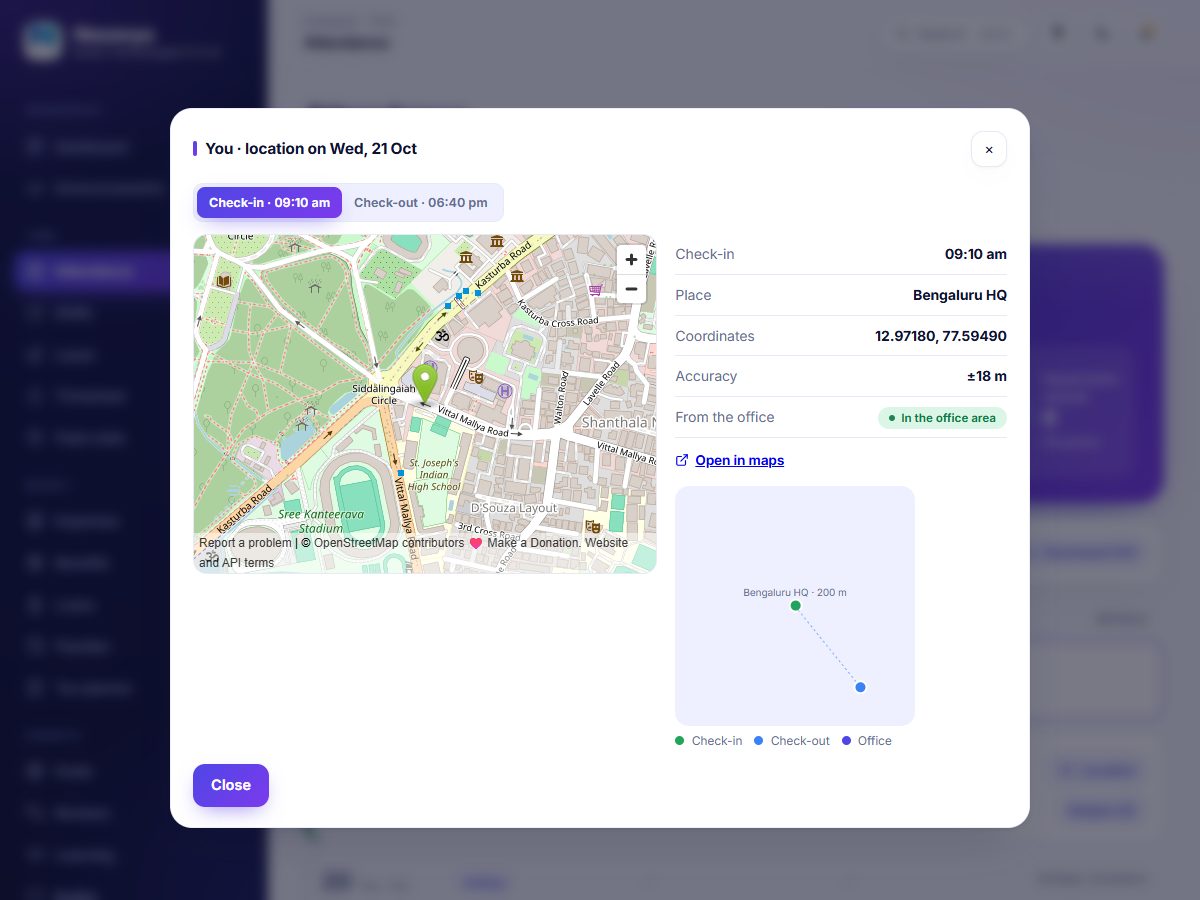
- Check-in and check-out that keep the position, the name of the place and the distance from your office, shown on a map; optional selfie check-in
- Attendance as a list or a calendar, with the month at a glance, late marks, hours inside and outside, and missing check-outs
- Days that fall short of the full hours are marked and can be regularized, as a full or a half day, with a remark; the manager or HR decides with a reason
- Leave types, balances and a policy you set, including the first or second half of a day; approvals by managers
- Work from home requests with an optional monthly limit, decided by the manager; step away and come back during the day
- Your attendance rules in one place: hours for a full and a half day, grace, and the work from home limit
- A team view for everyone: who is on leave, and who is in your team
- Announcements with reactions and replies, a helpdesk, documents and holidays
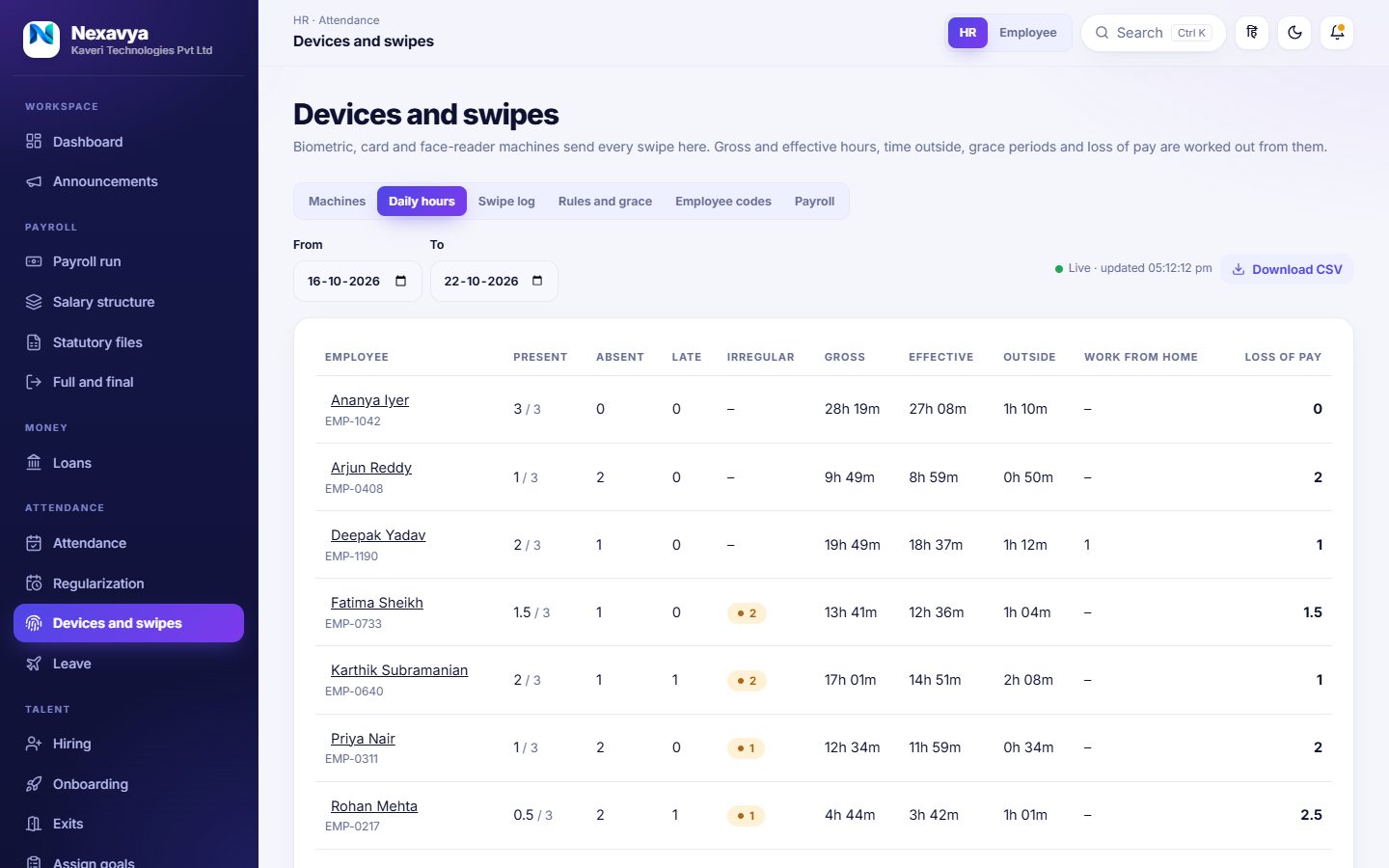
Biometric, card and face readers, with the hours worked out.
- Add each machine and give it a key; it sends its swipes, or you import a file from its software
- Built for machines that push their logs in the ZKTeco / eSSL format; anything else can send simple JSON, or you import a file from its software. We set up and test each machine with you
- Every swipe is kept; double taps and resends are counted once, and people are matched by their machine code or employee ID
- Gross hours, effective hours and time outside for every day, with a paid-break allowance you set
- Grace for late arrival, early exit and short hours; late marks that cost half a day; overtime
- Loss of pay worked out from attendance and applied to payslips only when HR says so; people who never swipe are left alone
- Included in the Growth and Enterprise plans
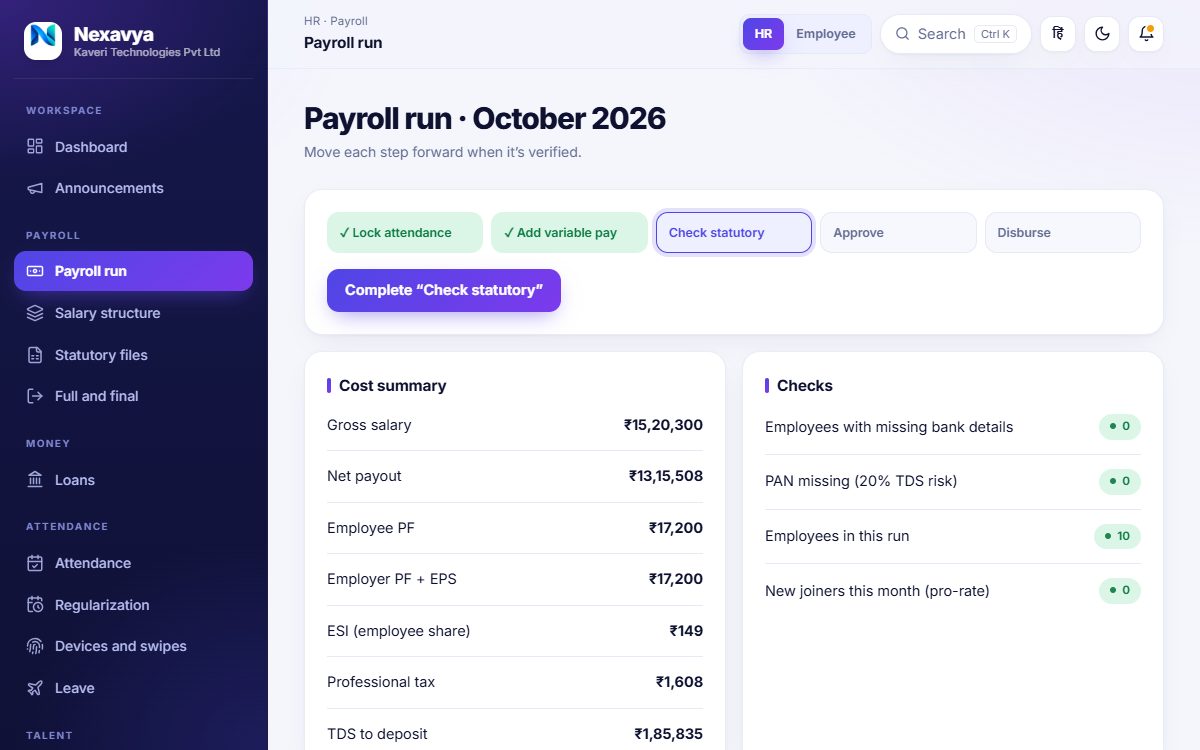
Run payroll with the checks beside every step.
- Salary structure and a CTC to in-hand calculator
- A payroll run in steps: lock attendance, add variable pay, check statutory, approve, disburse
- PF, ESI, professional tax by state and TDS, with the statutory files
- Payslips for employees, tax planner, Form 16, loans and advances
- Full and final settlement for people who leave
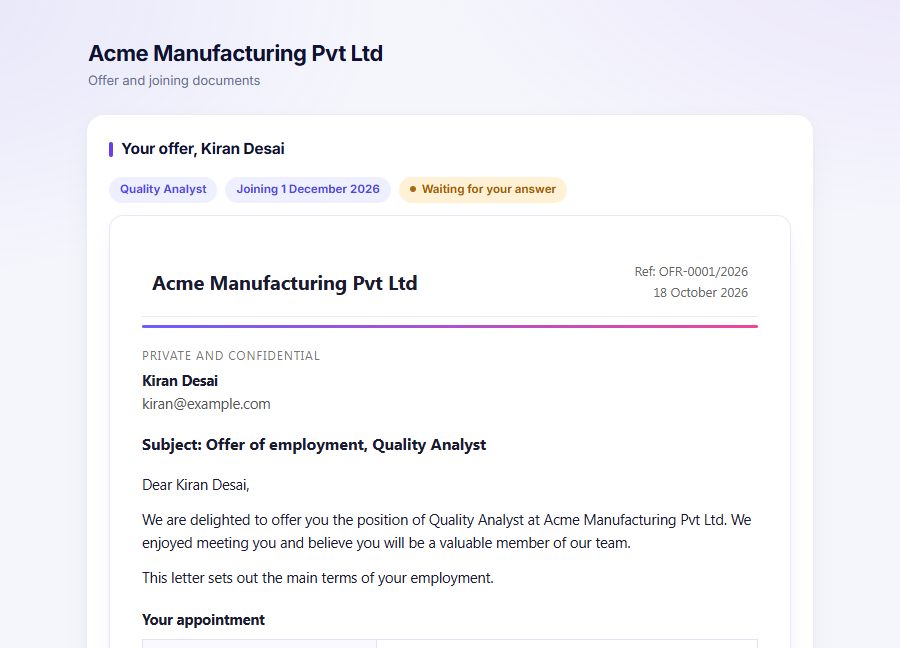
From a job opening to a person on their first day.
- Job openings and a candidate pipeline with scorecards
- Interview invitations by email with the date, a calendar file and your meeting link (Google Meet, Microsoft Teams, Zoom or any other)
- Offer letters with your own wording, pay breakdown and conditions, emailed with a private link that expires
- Candidates accept online, add their details and upload documents; HR reviews each one
- One click turns an accepted candidate into an employee, with their details already in, and starts the onboarding checklist
Keep people growing and talking.
- Goals assigned by managers, self-reviews and feedback
- Kudos, polls and suggestions
- Courses and certifications
In practice
Employees set goals and write self-reviews; managers assign goals and give feedback.
Anyone can send kudos, answer polls and make suggestions; HR posts announcements people can react and reply to.
Courses and certifications are tracked per person.
See the whole company, and decide how it runs.
- Headcount, attendance and payroll reports; a compliance calendar
- Custom approval rules, escalation and delegation of approvals
- The audit log of who changed what and when
- Roles and access: employee, manager and HR, with reporting lines you set
In practice
HR sees headcount, attendance and payroll reports and the compliance calendar.
Larger plans add your own approval rules and the full audit log.
Access is by role (employee, manager, HR) and reporting line, set by you.
Know what you have and what you have used
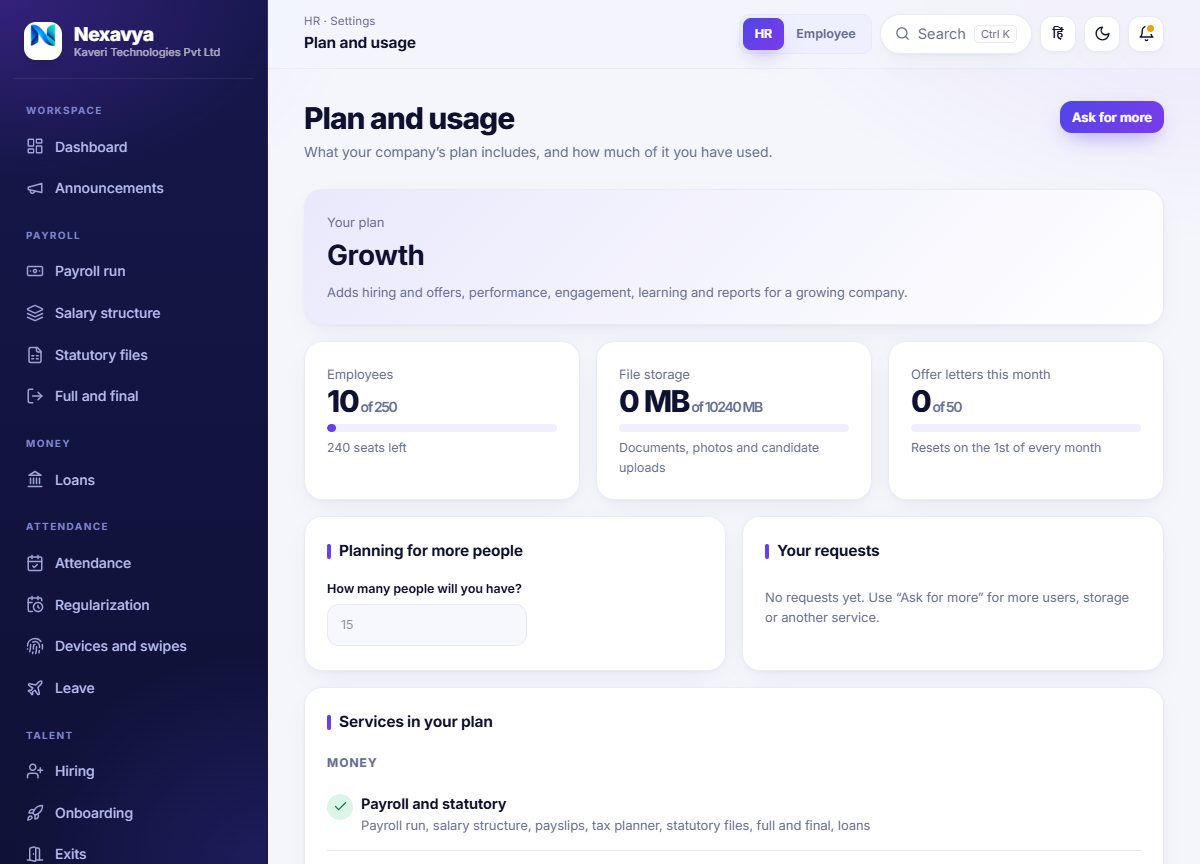
HR sees the plan, the services in it and how much of each allowance is used: people, file storage and offer letters. A small planner turns “we expect 40 people” into how many extra users that needs and what they cost, and one button asks us for more.
- Add users, storage or a single service without changing plan
- Custom plans when yours does not fit a box
Want to see it working?
Book a demo and bring a real situation: a salary structure, a hiring process, an attendance policy.